NimblrTA Tracker/CAnWA For Tradingview


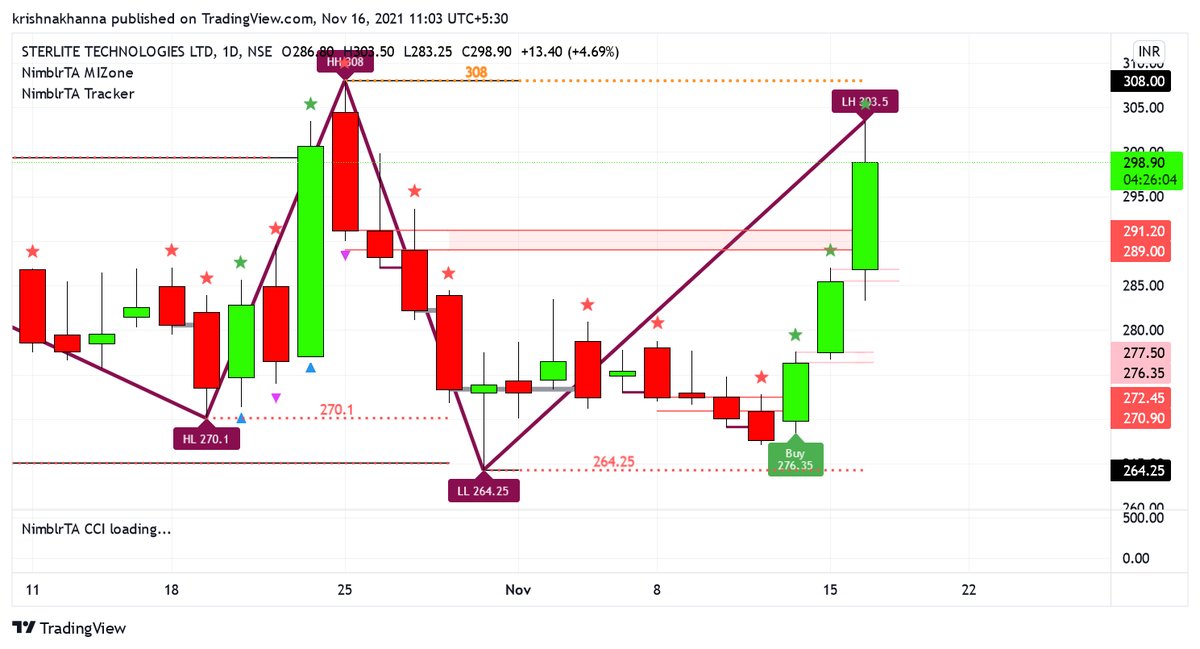


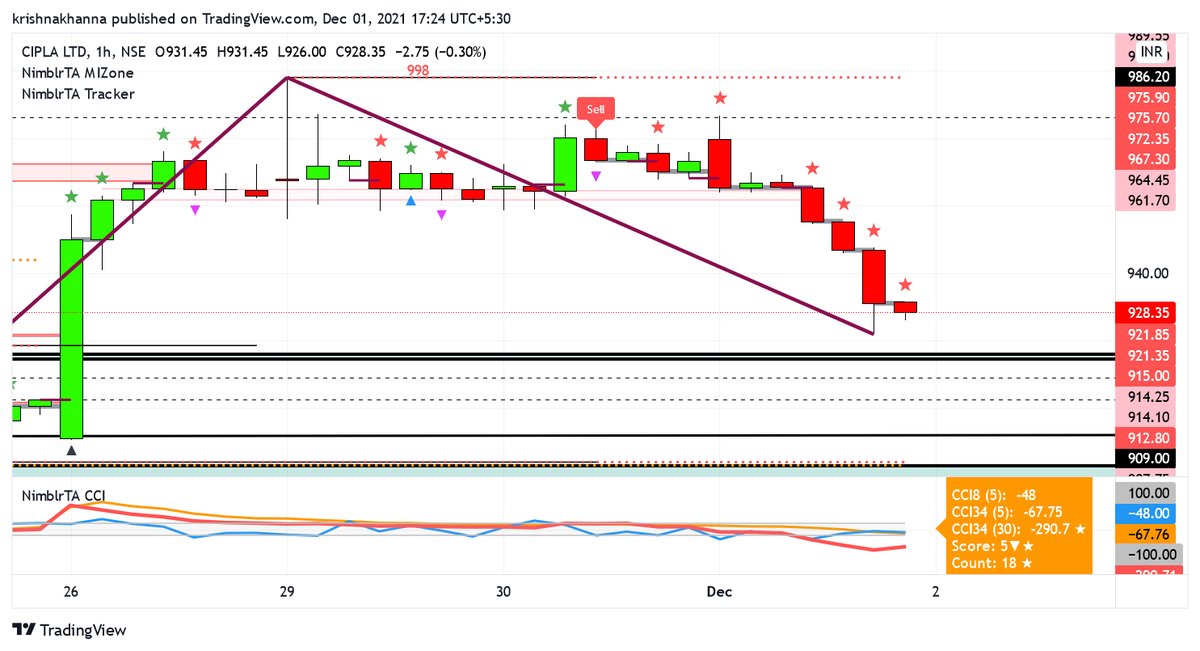
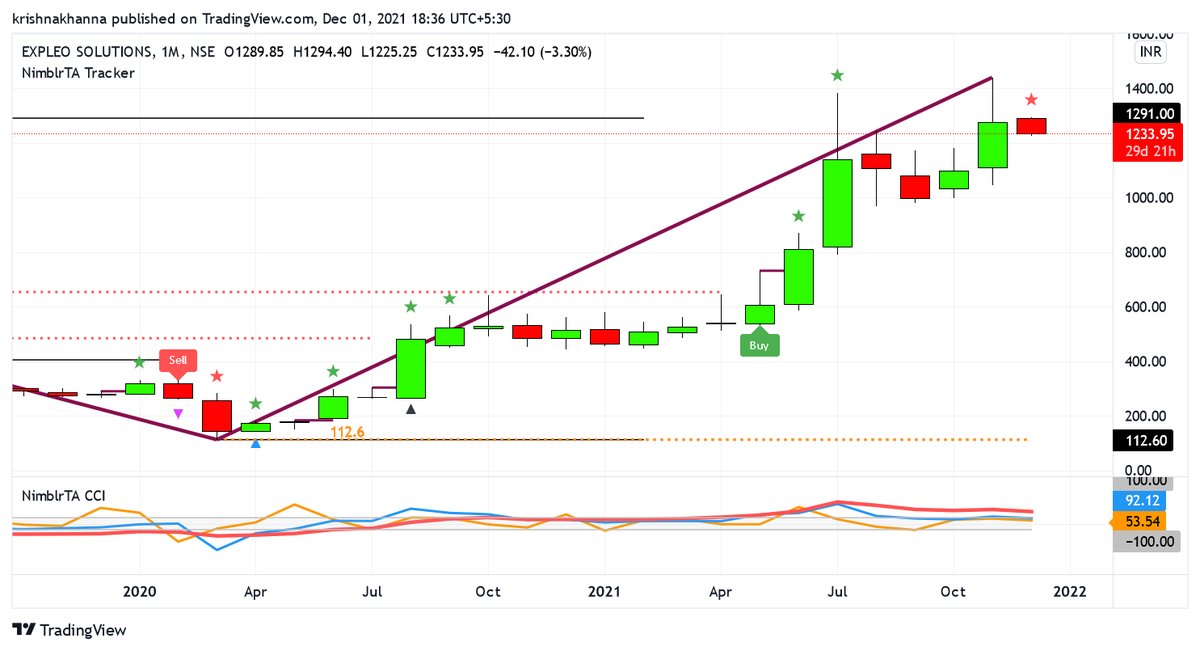
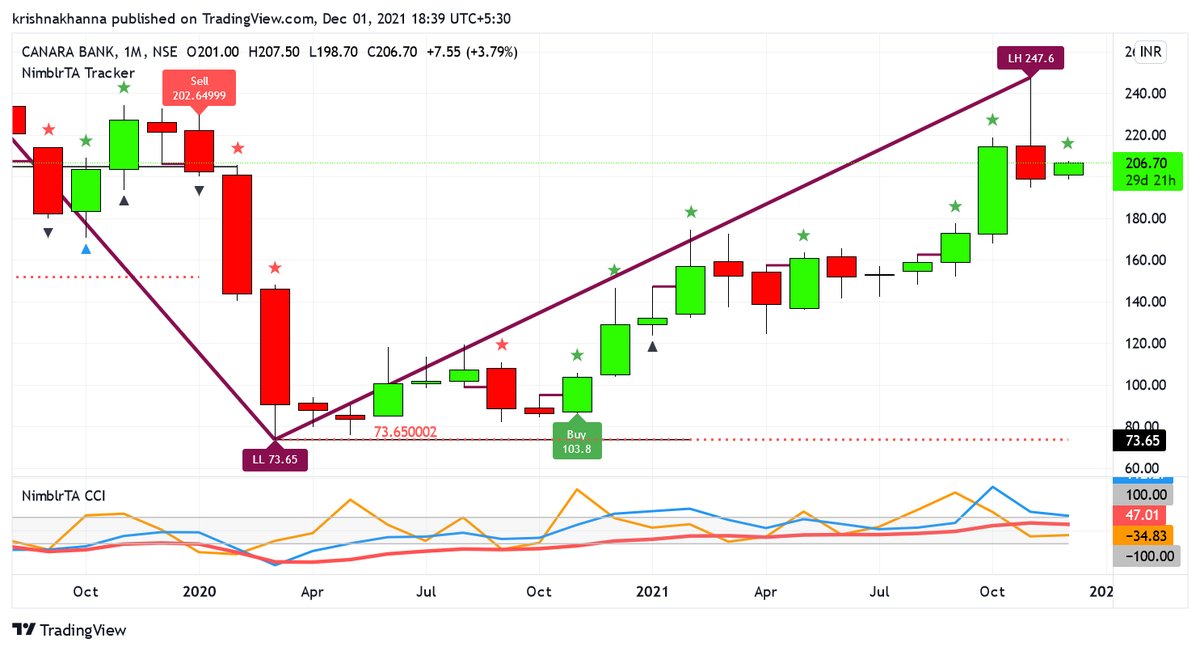


Description
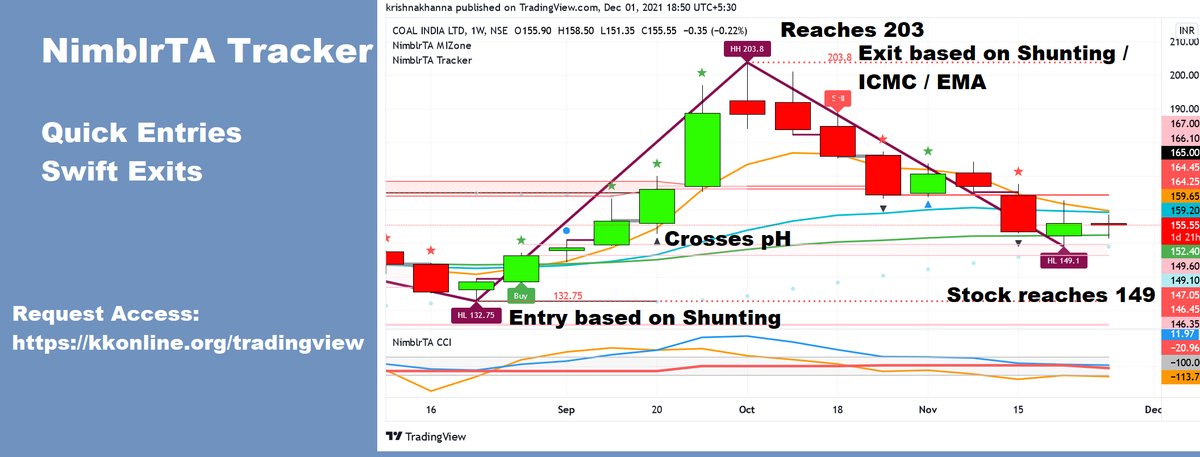
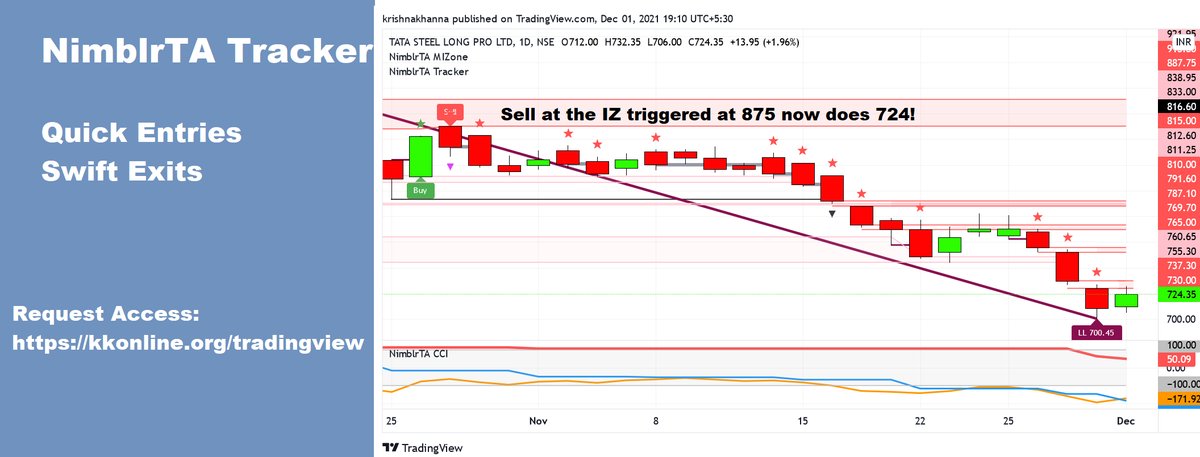
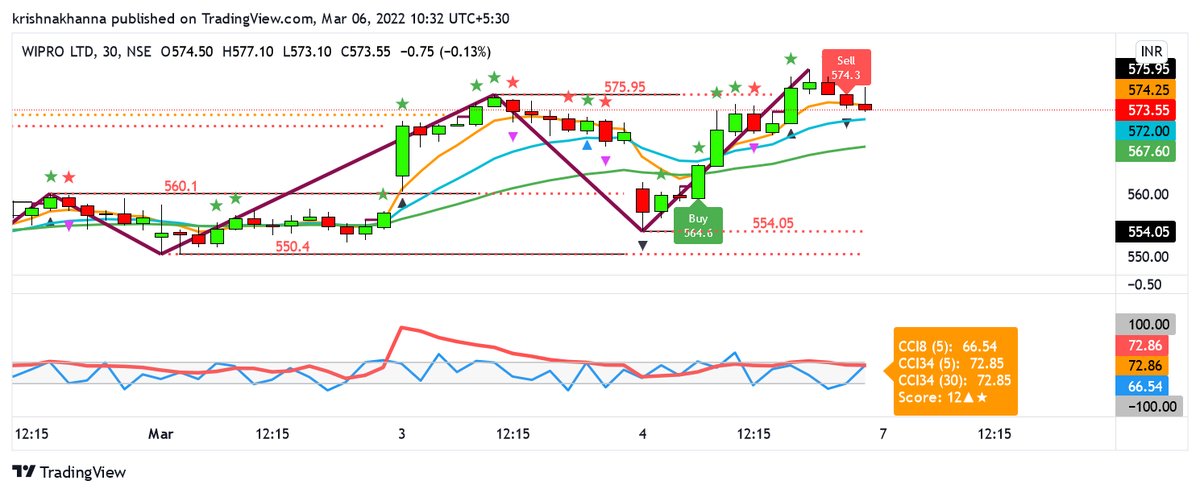
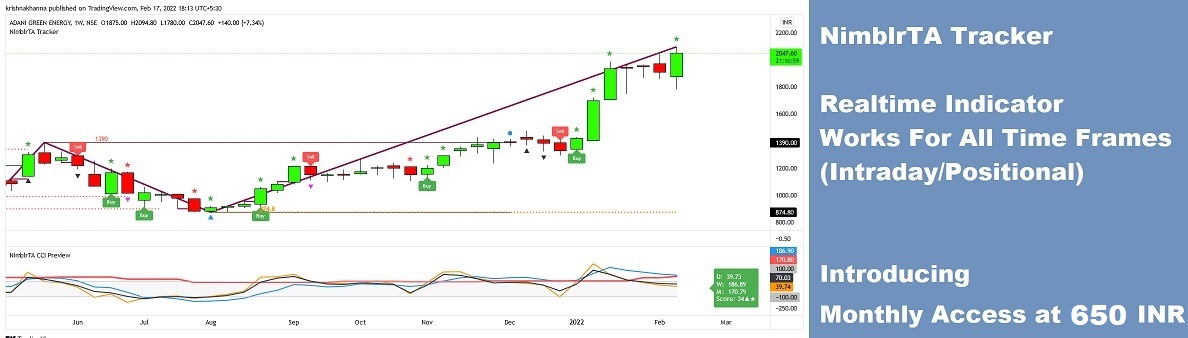
NimblrTA Tracker/CAnWA provides auto generated signals for quick entries and swift exits. Manage your portfolio with timely decisions based on NimblrTA.
Identify trades based on
NimblrTA Tracker/CAnWA analyzes the market using multiple strategies to identify high-probability trade setups:
- ICMC
- TinyIC
- Impulse
- pSAR
- DTR
- ORB Formation
- Target Tracking
- CCI
- EMA
- Shunting
- Candle Trespassing
- Candle Count
- Candle OHLC Analysis
- Wave Analysis
- High and Low Analysis
- Score Analysis
- Zig Zag Waves and Overlaps
- Works For All Time Frames (Intraday and Positional)
Can be combined with any other existing indicator (TinyIC/ICMC Breakout/ICMC Breakout Screener/NimblrTA/MIZone/NimblrTA CCI)
Requires 1 indicator space on Tradingview Account
Track your intraday positions / portfolio and investment picks for Quick Entries and Swift Exits based on #NimblrTA concept. #Tracker #Tradingview #Indicator
— kkonline.org (@krishnakhanna) January 22, 2022
Request Preview: https://t.co/LExPg48Q0S @Deishma pic.twitter.com/VYgGFjkM7e
This festive season, let the knowledge of the concept illuminate your portfolio with quick entries and swift exits.
— kkonline.org (@krishnakhanna) November 4, 2021
Introducing #NimblrTA #Tracker to help you manage your portfolio and realtime positions
Request Open Access: https://t.co/LExPg48Q0S @Deishma pic.twitter.com/QXbuC4UiQW
Pre-Booking Open
Below are the plans should you wish to use the indicator.
Open Access Preview Session
- Request a session for NimblrTA Tracker/CAnWA
- Dedicated Invite For Individuals
- Live Preview For Indicator
- Preview Invitation Shall be shared over email
6 Month Access
- Provides Buy And Sell Signal Live
- Plots Strength Candles
- Plots ZigZag
- Plot High Low Levels for HH HL LH LL
12 Months Access
- Provides Buy And Sell Signal Live
- Plots Strength Candles
- Plots ZigZag
- Plot High Low Levels for HH HL LH LL
Disclaimer
The tools and information provided on this website are for educational purposes only. I am not SEBI registered, and I am not affiliated with any financial institution. The information provided on this website is not intended to be a recommendation to buy or sell any security. You should consult with a qualified financial advisor before making any investment decisions.
The tools and information provided on this website are based on my own personal experience and research. I have not been compensated by any company or organization for providing this information. I make no guarantees about the accuracy or completeness of the information provided on this website.
I am not responsible for any losses that you may incur as a result of using the tools or information provided on this website. You are solely responsible for your own investment decisions.
The tools and information provided on this website are not a substitute for professional financial advice. You should always consult with a qualified financial advisor before making any investment decisions.
Terms Of Usage
A purchase request for the indicator is an agreement to the terms of usage.
The indicators shall be provided as is, future upgrades will be charged based on time and effort basis along with the features introduced. Feel free to opt for a preview of the indicator prior to the purchase to assess the same as per your needs.
The upgrades are completely optional and you may wish to remain on the version you have already installed.
- The Tradingview Indicators are licensed and shall be installed on the Tradingview account. This would need user inputs / acknowledgement and can be done over remote sharing if needed at mutual convenience.
- The indicator SHALL NOT be available as a favorite/invite-only script, hence it means user must not delete/tamper the indicator and in future if a resetup is needed, it shall be entertained only after the resetup charges are confirmed.
- License purchase is valid for only one Tradingview account.
- All Indicators / Upgrades are optional, if you are happy with the current indicators, you can continue to use it.
- Once the Indicator is setup, it's a completion of the processing against the amount received.
- Incase the user removes/deletes or tampers with the indicator or wishes to re-setup the indicator for any reason, it will require a re-setup AFTER the setup charges are paid.
- Each time the re-setup is done, it invites a charge for the same. Link for re-setup is here.